Workbench guide
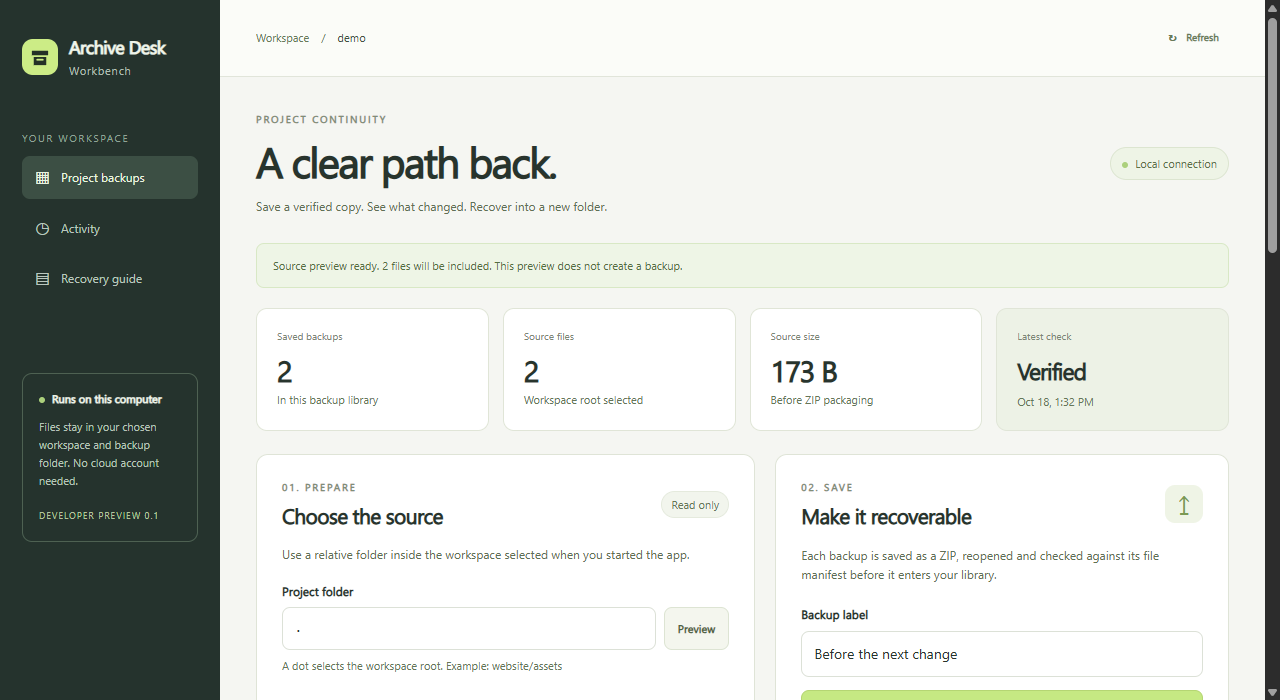
Back up the project. Prove you can recover it.
Save, fingerprint, compare, recover into a new folder.
archive-desk-workbench-source.zipd491 306a ... 6f2e 80ce
A copy you can inspect.
Preview the paths, then verify the bytes against a SHA-256 manifest.
Know what moved.
Added, removed, changed, unchanged, in one report.
Keep the original intact.
A brand new folder, every file read back.
Try it
- Start the app from the Windows download or the source. The overview has both routes.
- Choose Run sample workflow to back up, compare and recover a small built-in project in one pass.
- For your own work, keep the project and the backup library in separate folders. The browser only accepts paths inside the workspace you chose at startup.
node server.mjs --workspace "C:/Projects/site"
  --storage "D:/ProjectBackups/site" --port 4330
Type the command on one line. The library keeps backup records and recent activity across restarts.
A second copy still matters
The same drive will not survive its own failure. Keep a copy on another device.
Close editors while a backup runs. It is not an atomic snapshot.
Limits
- Up to 500 files, 20 MiB per file and 50 MiB of source data.
- The Archive Desk ZIP format only, not any ZIP you have.
- Paths and contents are restored. Timestamps, permissions and empty folders are not.
- Common credential and dependency names are left out by filename. That is not a scan of file contents.