Workbench guide
Check the plan. Then recover.
Every file, fingerprint and destination, before anything is written.
archive-desk-workbench-0.3-source.zipd65a 80f1 ... f41b 3c1d
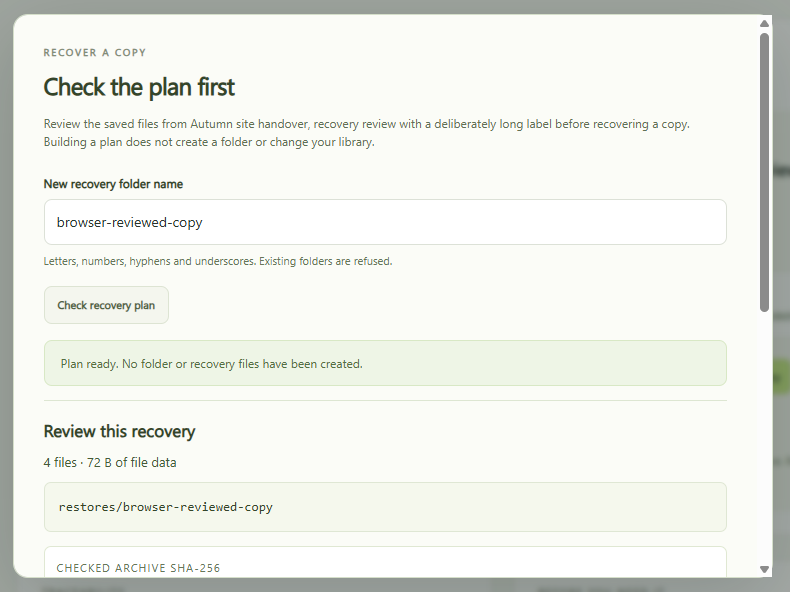
See what will come back.
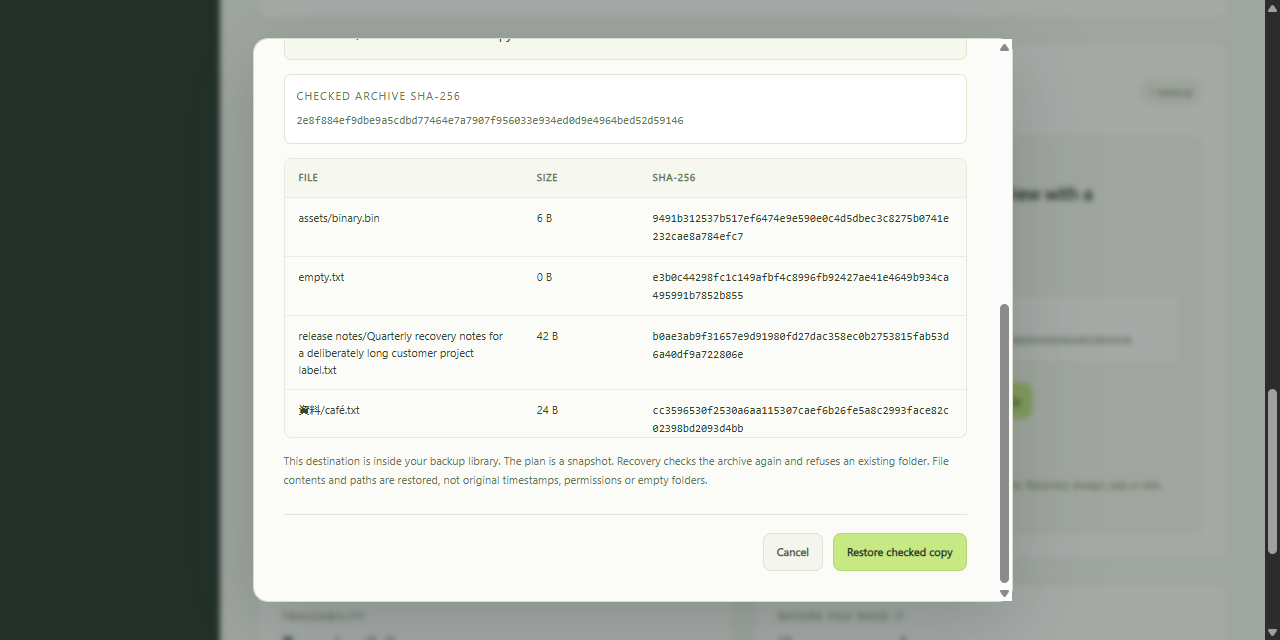
Each file with size and SHA-256, into an unused folder.
Recover the checked copy.
A separate button. The archive is checked again first.
Download a fresh report.
Every path and fingerprint. Damage is never a pass.
Try it
- Start the app. The overview shows how.
- Create a backup or import an existing Archive Desk ZIP.
- Select Review recovery, enter a new folder name and choose Check recovery plan.
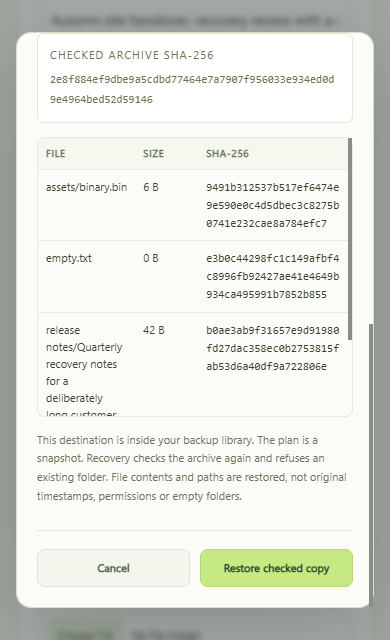
- Read the destination and file list, then choose Restore checked copy. Download the verification JSON from the selected backup when you need a report.
What the report holds
Time, label, archive fingerprint, and path, size and SHA-256 per file.
No absolute paths. A match proves consistency, not authorship or safety.
A plan is one moment. It does not lock the folder.
Which archives work
- Unencrypted Archive Desk backups, such as those from the browser app or the command line.
- Up to 500 files, 20 MiB per file, 50 MiB of file data and a 52 MiB ZIP.
- Not compressed ZIPs from other apps, encrypted .adlock files or ZIP64.
- Paths and bytes are restored. Empty folders, timestamps and permissions are not.