Workbench guide
Recover an existing backup.
Inspect a ZIP, add a verified copy, restore it. No original library needed.
archive-desk-workbench-0.2-source.zip16fe 4cde ... 2f73 77f7
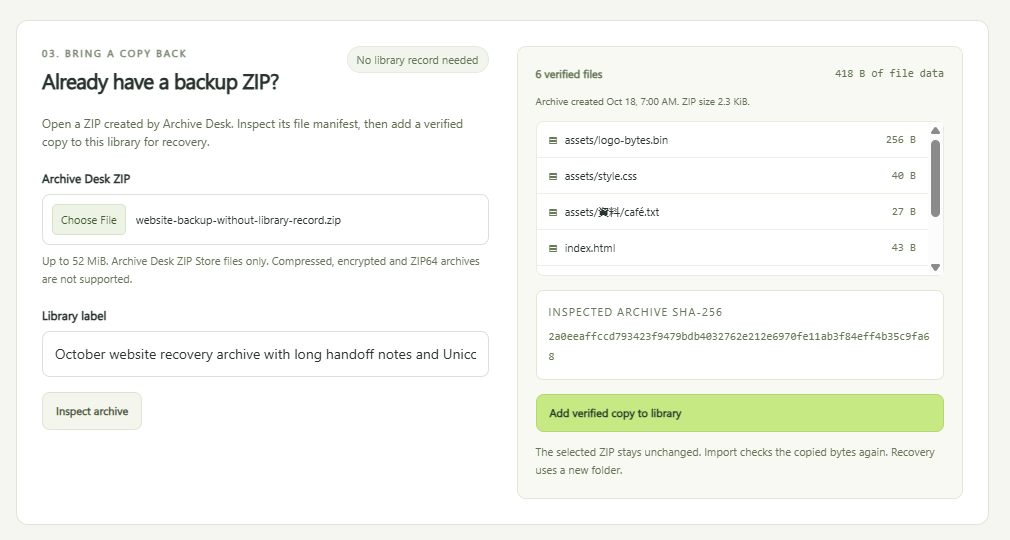
Check the archive first.
Manifest, CRCs and fingerprints, before anything is added.
Save a verified copy.
The new copy is checked before it is registered. Duplicates are refused.
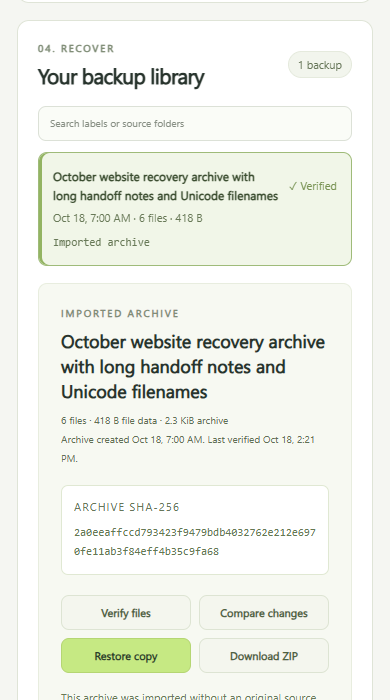
Use a new folder.
Every written file is checked.
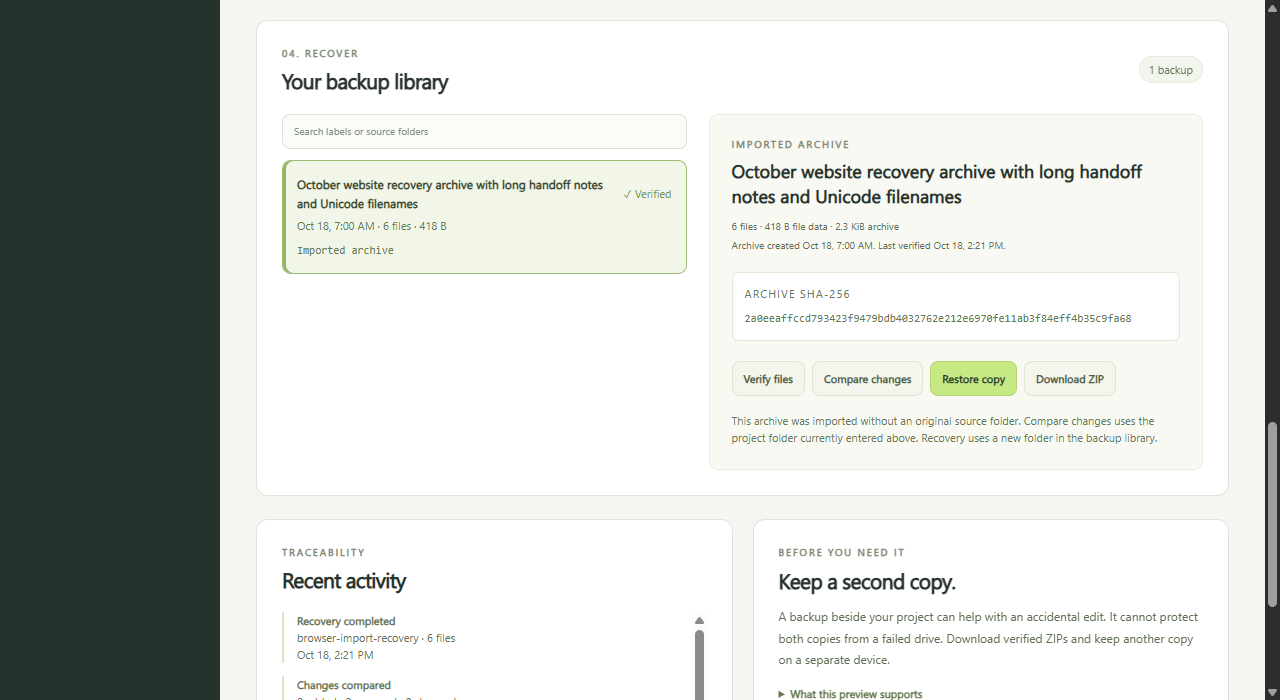
Try it
- Start the app. The overview shows how.
- Under Already have a backup ZIP, choose an Archive Desk ZIP and select Inspect archive.
- Review the files, then select Add verified copy to library.
- Select Restore copy, enter a new folder name and choose Restore and verify. The app shows where the files were saved.
If the old library is unavailable
A damaged library is refused, never replaced. Start with an empty storage folder and import the ZIP.
node server.mjs --workspace "C:/Projects/site"
  --storage "D:/ProjectBackups/recovery" --port 4330
Import works from the ZIP alone.
Which archives work
- Unencrypted Archive Desk backups, such as those from the browser app or the command line.
- Up to 500 files, 20 MiB per file, 50 MiB of file data and a 52 MiB ZIP.
- Not compressed ZIPs from other apps, encrypted .adlock files or ZIP64.
- Paths and bytes are restored. Empty folders, timestamps and permissions are not.